
Help & Docs
Getting Started
You can download our vaBase ACARS software from the downloads page when you log in to the website. The ACARS software supports all flight simulators and provides a seamless integration experience.
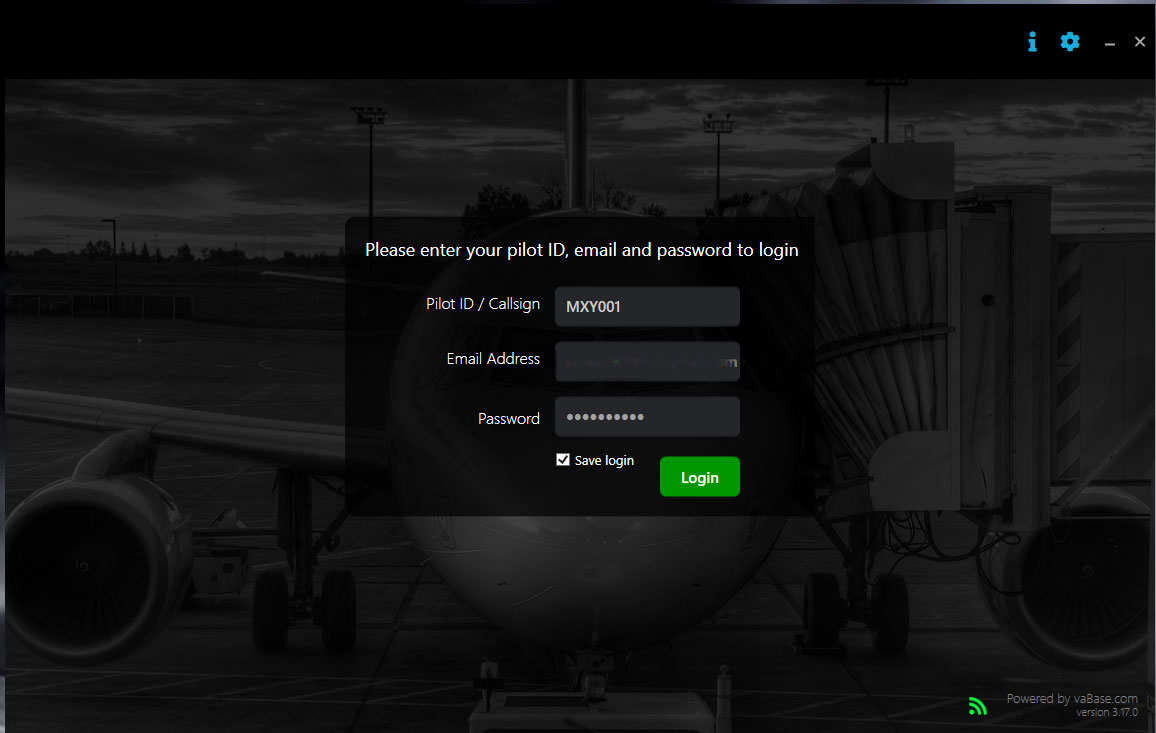
- Use your Email Address, Pilot ID, and Password to log in to the ACARS software. (*Remember to run the vaBase Acars software as an administrator, otherwise it will not work. You will also need FSUIPC or XPUIPC)
- The Operation Centre will have some suggested flights and aircrafts based on your location. More flights and aircrafts to fly can be found on the schedules page.
Suggested Flights and Live Departures
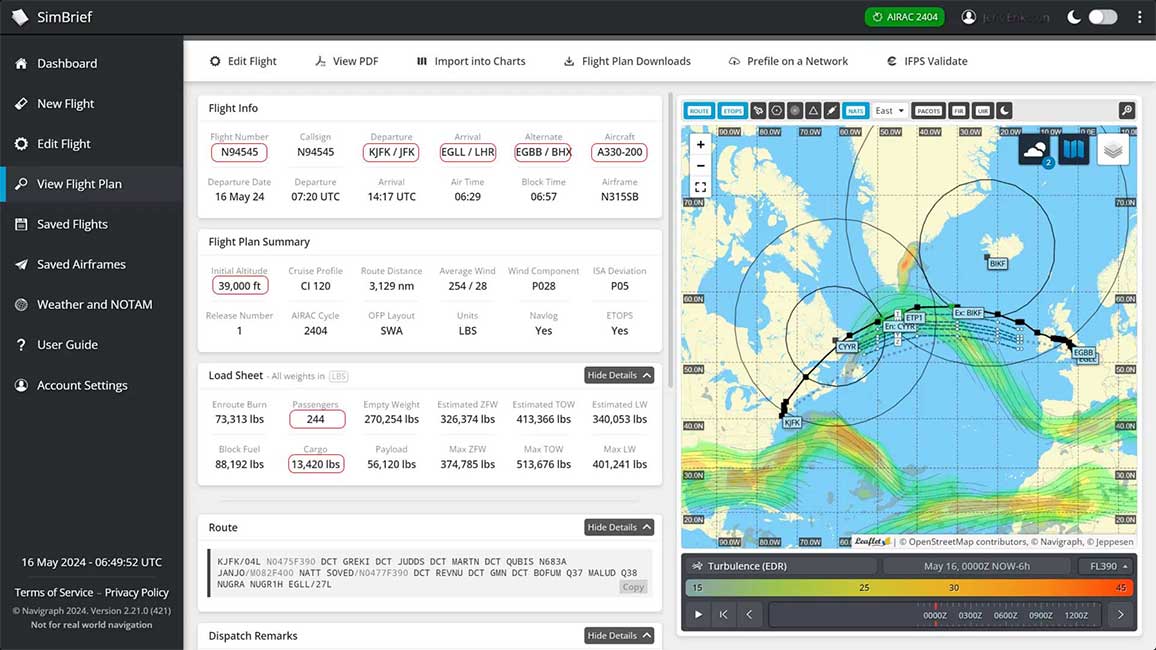
Suggested Flights are random flights from your current virtual airport, while Live Departures are real-world flights. Both tabs give you options to fly any flight you want. To do so, simply enter the flight number, departure, arrival and aircraft infrormation in Simbrief to generate a flight plan and loadsheet.
Scheduled & Charter Flights
Live Departures are considered as scheduled flights while all other flights are considered as charter flights. All flights are recorded and logged with the ACARS system including landing rate and performance score.
To find a flight, visit the schedule & charter flights page.
The Flight
There are different ways to start a flight;
- Fastest: Pick a flight either from the Suggested Flights or Live Departures tab, then use the flight number and arrival airport to generate a flight on SimBrief. When you open acars software, import from SimBrief to load the flight data. This is fastest way to start a flight since it saves time on manual data entry.
- Dispatch the flight from the website, generate the flight plan on SimBrief, open the acars software then fill out the missing information like alternative airport, altitude, payload and more from SimBrief. Dispatch is not really necessary. The ACARS software will record the flight regardless. However, when flying a Tour or Event, dispatching is required otherwise the flight will may not be recognized by the Tour/Event system.
Your flight simulator should be ready at this point. Make sure to Start Flight on the ACARS software before starting your engines.
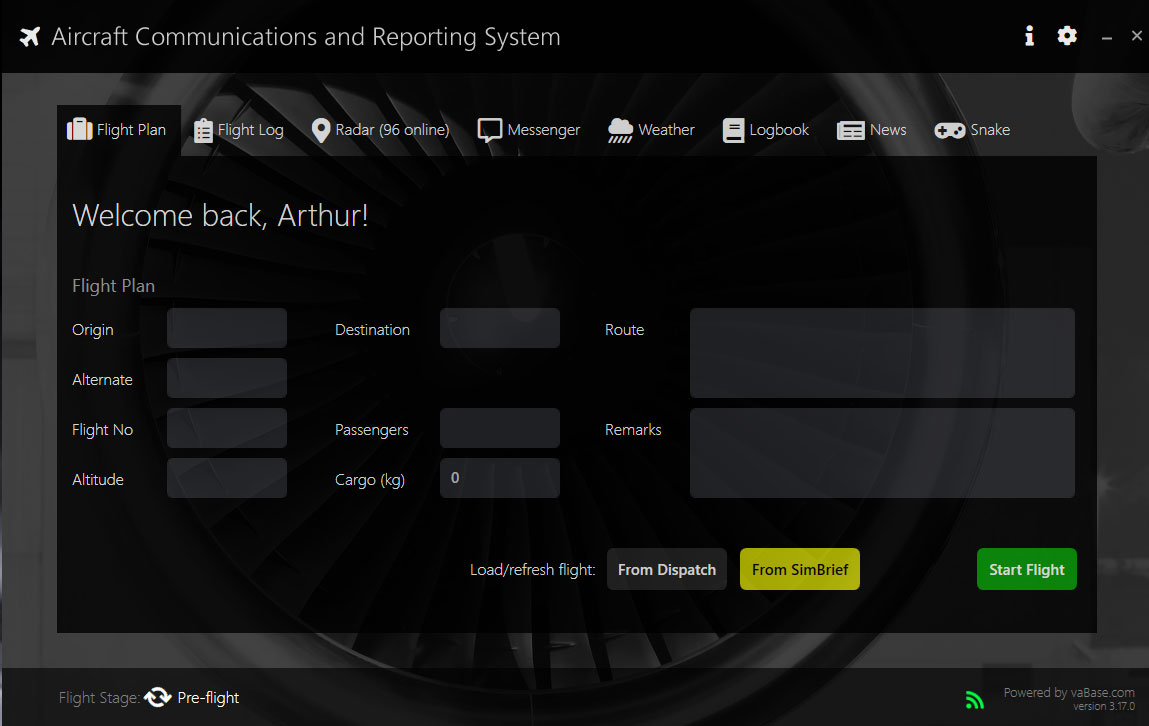
If the ACARS software is not connecting to the simulator, it's because you are missing FSUIPC/XPUIPC, or the ACARS software wasn't opened in Administrator mode.
We are still working on flight schedules, so if we are missing a flight from somewhere, please let us know.
Tired of flying airliners? FSEconomy has lots of general aviation aircrafts and little airports all over the world.
SayIntentions.ai also has SkyOps missions, including VIP Charter, Medical Evacuations, and Humanitarian flights.
Tours
Tours are available for you to complete at your convenience. You can find them under the "Operations" tab by navigating to the "Tours/Events" page. There are various types of tours, including visits to unique destinations, flights with specific airlines, and tours related to particular aircraft types.
To progress in a tour, you must meet any specific requirements, which may include using the correct airline or flying the designated aircraft type. Upon completing a tour, you will earn an award and experience points (XP).
For more information, please visit the "Tours/Events" page. If you have any suggestions for new tours, feel free to share them on the Discord server or send us an email.
FAQ
Q: Do I have to fly the specified aircraft or can I use a different one?
A: Yes, you can fly any aircraft you prefer. The ACARS sofware will record the flight regardless of the aircraft used.
Q: Do I have to fly the specified route or can I use a different one?
A: You can fly any route you like. The ACARS software will record the flight regardless of the route taken.
Q: Do I have to use SimBrief to generate the flight plan?
A: No, you can use any flight planning tool you.
Q: Do I have to fly the stated departure and arrival times?
A: You can fly the flight at any time you like. Your simulation rate should always be 1x and slew mode gives unrealistic results
Q: Do you allow hour transfers?
A: Yes, hour transfers from networks and other VAs are allowed.
Q: Is this PC only or can I fly on Xbox and PS5?
A: The ACARS software is only available for Xbox and PS5. Fill out a Manual Pirep at the end of your flight to submit it.
More Help
If you have any further questions or need assistance, please don't hesitate to contact on the Discord server or send us an email.